v0.3.0 · frühe Version

Eine Datei.
Zwei Stores.
Ship.

appship veröffentlicht Ihre iOS- und Android-App im App Store und bei Google Play aus einem einzigen Ordner release/. Es läuft auf fastlane, sodass Sie nie wieder ein Fastfile pflegen müssen.

$ npm i -g appship-ai
~/Projects/word-bank
$ appship doctor
▸ Environment
  ✓ Node 22.12.0
  ✓ fastlane 2.232.2
▸ Security
  ✓ No key files tracked by git
  ✓ .gitignore protects release/keys/
▸ iOS · store listing
  ✓ Metadata OK for en-US, vi
▸ Android · questionnaire
  ✓ All answers present

  ✓ Ready — 0 warning(s)
$ appship upload --build
  ios: build/ios/ipa/WordBank.ipa
▸ fastlane ios upload
  android: build/app/outputs/bundle/release/app-release.aab
▸ fastlane android upload

Video

appship in 30 Sekunden.

Ihre App läuft lokal einwandfrei. Dann klicken Sie auf Veröffentlichen. Ab hier übernimmt appship: init, der Store-Fragebogen, doctor und der Upload in beide Stores.

Workflow

Fünf Befehle, vom leeren Repository bis zum App Review.

Einmal pro Projekt einrichten, alles prüfen, und dann bei jedem Release die letzten beiden Schritte wiederholen.

  1. Einmal pro Projekt appship init

    Erkennt Framework, Bundle-ID und Paketnamen, legt dann release/ mit kommentierten Vorlagen an und aktualisiert die .gitignore.

  2. Vor jedem Upload appship doctor

    Prüft Tools, Schlüssel, Zeichenlimits, Bildgrößen und Platzhaltertexte und schlägt fehl, wenn ein Schlüssel in Git eingecheckt wurde.

  3. Nur beim ersten Mal appship first-release

    Legt die iOS-App an, überträgt Store-Eintrag und App-Datenschutz und schreibt CHECKLIST.md für die Schritte, die die Stores manuell lassen.

  4. Bei jedem Release appship upload --build

    Führt Ihren Build-Befehl aus und lädt dann die .ipa zu TestFlight und die .aab in einen Play-Track hoch, mit gestaffeltem Rollout.

  5. Bei jedem Release appship submit

    Reicht den iOS-Build zum App Review ein und gibt das Android-Release für die Produktion frei, nachdem Sie bestätigt haben.

Was automatisiert wird

Ehrlich darüber, was die Stores einem Tool erlauben.

Apple und Google lassen manche Schritte bewusst manuell. appship automatisiert, was ihre APIs zulassen. Für alles andere erhalten Sie eine Checkliste, in der Ihre Antworten bereits eingetragen sind.

  • Automatisiert appship übernimmt das
  • erfordert eine Anmeldung mit 2FA, daher nicht in CI
  • Checkliste keine API; übertragen Sie Ihre Antworten in die Konsole
SchrittApp StoreGoogle Play
App anlegen first-release --create-app ChecklisteGoogle Play bietet dafür keine API
Build hochladen AutomatisiertTestFlight Automatisiertinternal · alpha · beta · production, gestaffelter Rollout
Store-Texte & Screenshots AutomatisiertPush und Pull AutomatisiertPush und Pull
Store-Fragebögen AutomatisiertAltersfreigabe, Exportkonformität, Inhaltsrechte, Kontakt für die Prüfung ChecklisteInhaltseinstufung, Datensicherheit, Zielgruppe, Werbung, App-Zugriff
App-Datenschutz Hochgeladen aus questionnaire.yml n/a
Einreichen AutomatisiertApp Review AutomatisiertTrack für die Produktion freigeben
Status AutomatisiertLive, in Prüfung, ausstehend, neuester TestFlight-Build AutomatisiertVersionscodes pro Track

Bei Google Play laden Sie das allererste Bundle von Hand hoch. Neue persönliche Entwicklerkonten benötigen außerdem einen geschlossenen Test mit 12 Testern über 14 Tage, bevor die Produktion möglich ist.

Funktionen

Alles rund um das Binary, erledigt.

Eine Konfiguration pro Projekt

Ihr App-Repository erhält lediglich einen Ordner release/. Die Release-Logik steckt im Tool, sodass ein Update von appship jedes Projekt aktualisiert, das es verwendet.

release/release.yml
app:
  name: "Word Bank"
  primary_locale: en-US
ios:
  bundle_id: com.ketch.wordbank
  artifact: "build/ios/ipa/*.ipa"
  build_command: "flutter build ipa --release"
android:
  package_name: com.ketch.wordbank
  track: internal
  rollout: 1         # 0.2 = 20% staged rollout
credentials:
  profile: ketch-studio

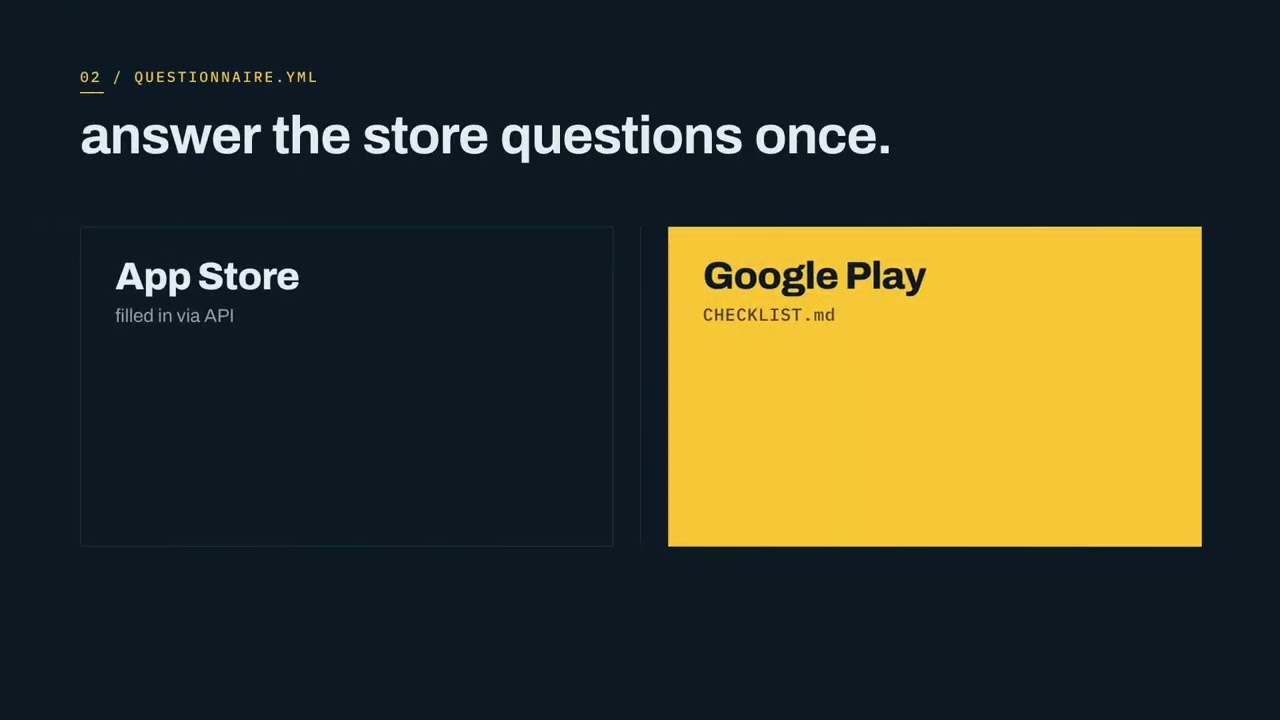
Store-Fragen, einmal beantwortet

Altersfreigabe, Exportkonformität, Inhaltsrechte, Kontakt für die Prüfung. Schreiben Sie die Antworten in questionnaire.yml; appship trägt ein, was die APIs erlauben, und übernimmt den Rest in CHECKLIST.md.

release/questionnaire.yml
ios:
  export_compliance:
    uses_non_exempt_encryption: false
  content_rights:
    uses_third_party_content: false
  age_rating:
    gamblingSimulated: NONE
    violenceCartoonOrFantasy: NONE
    messagingAndChat: false
    ageAssurance: false

doctor findet es, bevor es die Stores tun

Zeichenlimits, ungültige URLs, übrig gebliebene TODOs, falsche Bildgrößen, veraltete Artefakte, fehlende Schlüssel. Zu jedem Problem gibt es die Lösung.

appship doctor
▸ iOS · store listing
  ✗ ios/metadata/en-US/subtitle.txt is 34 characters (max 30)
  ! ios/screenshots/vi has no 6.9"/6.5" iPhone screenshot
▸ Android · store listing
  ✗ images/icon.png is 1024x1024, expected 512x512

  ✗ 2 error(s), 1 warning(s)

Ihr KI-Agent entwirft die Store-Inhalte

Mitgelieferte Skills für Claude Code, Codex und Antigravity schreiben Versionshinweise in jeder Sprache, erstellen Screenshots in den exakten Store-Größen und füllen die Store-Fragebögen anhand Ihres Codes aus. Die Skills schreiben ausschließlich Dateien in release/; Sie prüfen alles und pushen dann. appship selbst ruft nie eine KI auf.

appship skills
▸ Claude Code: .claude/skills/
  ✓ app-content  installed
  ✓ release-notes  installed
  ✓ store-screenshots  installed
▸ Codex + Antigravity: .agents/skills/
  ✓ store-screenshots  installed
    Run: $store-screenshots (Codex)

skill · store-screenshots

Store-Screenshots in jeder Sprache, in exakt der richtigen Größe

Der Skill store-screenshots plant die Screens mit Ihnen, nimmt sie im iOS-Simulator oder einem Android-Emulator auf, übersetzt die Überschriften für jede Sprache und rendert jedes Bild in der Größe, die der jeweilige Store akzeptiert: iPhone 1320×2868, iPad 2064×2752, Play 1080×1920, dazu die Feature-Grafik und das 512-px-Icon. Danach prüft er alles mit appship doctor.

skill · app-content

Store-Fragebögen, beantwortet aus Ihrem Code

Der Skill app-content liest Abhängigkeiten, Info.plist, AndroidManifest.xml und Code und trägt Altersfreigabe, App Privacy, Exportkontrolle, Datensicherheit, Inhaltseinstufung und Werbung in release/questionnaire.yml ein, mit dem Beleg für jede Antwort. Er hält die Antworten für iOS und Android einheitlich und fragt Sie nur, was der Code nicht zeigt.

release/questionnaire.yml
ios:
  age_rating:
    advertising: true      # google_mobile_ads
  privacy:
    collects_data: true
    data:
      - category: DEVICE_ID   # AdMob
        purposes: [THIRD_PARTY_ADVERTISING]
        used_for_tracking: true  # ATT prompt
      - category: CRASH_DATA  # Crashlytics
        purposes: [APP_FUNCTIONALITY]
android:
  contains_ads: true       # same as iOS
  data_safety:
    collects_data: true
    shares_data: true      # ad network

Schlüssel bleiben aus Git heraus

Schlüssel werden aus Umgebungsvariablen aufgelöst, dann aus release/keys/ (per gitignore ausgeschlossen), dann aus einem Profil in ~/.appship, das mit Modus 600 gespeichert wird. Passwörter werden in --dry-run maskiert.

Funktioniert mit jedem Stack

appship führt Ihren Build-Befehl aus und findet die .ipa und die .aab. Flutter-, React-Native-, Cocos-Creator- und native Projekte werden bei init erkannt.

Fragt nach, bevor es schreibt

Einreichen, Übertragen in die Produktion und Überschreiben eines Live-Eintrags erfordern jeweils eine Bestätigung. Übergeben Sie in CI ausdrücklich --yes.

Bereit für CI

Übergeben Sie den .p8-Schlüssel als Klartext oder Base64 in APPSHIP_ASC_KEY. Ein fertiger GitHub-Actions-Workflow befindet sich in der Integrationsanleitung.

KI-Agent

Oder lassen Sie Ihren KI-Agenten alles einrichten.

Fügen Sie diesen Prompt im Stammverzeichnis Ihres Projekts in Claude Code, Codex, Antigravity oder Cursor ein. Der Agent installiert appship, füllt den Store-Eintrag mit den mitgelieferten Skills und führt doctor aus, bis alles passt. Ihre Schlüssel rührt er nie an, und in einen Store schreibt er nur, wenn Sie es sagen.

prompt
Set up appship-ai in this project so I can release it to the App Store and Google Play.
appship is a CLI that wraps fastlane. Guide: https://appship.ketchsoft.com/docs.html

1. Check node (22+), fastlane and appship (`appship --version`). Tell me what is missing and ask before installing anything globally (`brew install fastlane`, `npm i -g appship-ai`).
2. Run `appship init --yes --agents <you>` at the project root, where <you> is claude, codex or antigravity (the agent you are; use claude if none fits). Compare release/release.yml with the project (build_command, artifact paths, bundle id, package name), fix what is wrong and tell me what you changed.
3. Store keys: tell me what I need (App Store Connect API key, Google Play service account JSON) and how to create them, following "Get store keys" in the guide. I will run `appship credentials add <profile>` in my own terminal. Then set credentials.profile in release.yml.
4. Fill the store content with the skills that init installed: app-content for release/questionnaire.yml, the listing text in release/*/metadata, then store-screenshots. If the skills are not loaded in this session, read their SKILL.md files in .claude/skills/ or .agents/skills/ and follow them. If the app is already live, ask me whether to run `appship metadata pull` first. Ask me for anything the code cannot tell you; leave contacts, demo accounts and passwords as TODO until I give them.
5. Run `appship doctor` and fix until there is no ✗. List the remaining warnings (!).
6. Finish with a short summary: what is done, what I still have to do by hand, and the next command to run.

Rules:
- Never run a command that writes to a store (upload, metadata push, submit, promote, first-release, signing import, header) unless I ask. Then run it with --dry-run first and wait for my OK. Add --yes only after I approved the dry run in this chat.
- Never open, print, copy or commit key files (*.p8, *.p12, *.jks, *.keystore, service account JSON) or anything in release/keys/.
- Do not commit or push.
- Reply in the language I write in.

Weitere Prompts: CI, jedes Release, Signierung →

Blog

Aus dem Blog

Alle Beiträge →

Bereit zum Ship?

appship wird über npm verteilt. Sie benötigen Node.js 22+, fastlane und macOS für iOS-Builds (Android funktioniert auch unter Linux).

$ npm i -g appship-ai
Integrationsanleitung →

appship ist kostenlos und MIT-lizenziert. Wenn es Ihnen einen Release-Tag erspart, können Sie dem Maintainer einen Kaffee spendieren.

Einen Kaffee spendieren

v0.3.0 ist durch Tests und Dry-Runs abgedeckt, wurde aber noch nicht gegen die echten Stores ausgeführt. Beginnen Sie mit --dry-run und rein lesenden Befehlen wie appship status.