v0.3.0 · early release

One file.
Two stores.
Ship.

appship releases your iOS and Android app to the App Store and Google Play from a single release/ folder. It runs on fastlane, so you never maintain a Fastfile again.

$ npm i -g appship-ai
~/Projects/word-bank
$ appship doctor
▸ Environment
  ✓ Node 22.12.0
  ✓ fastlane 2.232.2
▸ Security
  ✓ No key files tracked by git
  ✓ .gitignore protects release/keys/
▸ iOS · store listing
  ✓ Metadata OK for en-US, vi
▸ Android · questionnaire
  ✓ All answers present

  ✓ Ready — 0 warning(s)
$ appship upload --build
  ios: build/ios/ipa/WordBank.ipa
▸ fastlane ios upload
  android: build/app/outputs/bundle/release/app-release.aab
▸ fastlane android upload

Watch

appship in 30 seconds.

Your app runs fine locally. Then you press publish. This is the part appship takes over: init, the store questionnaire, doctor and the upload to both stores.

Workflow

Five commands, from an empty repo to App Review.

Set up once per project, check everything, then repeat the last two every release.

  1. Once per project appship init

    Detects your framework, bundle id and package name, then writes release/ with commented templates and updates .gitignore.

  2. Before every upload appship doctor

    Checks tools, keys, character limits, image sizes and placeholder text, and fails on a key committed to git.

  3. First time only appship first-release

    Creates the iOS app, pushes the listing and App Privacy, and writes CHECKLIST.md for the steps the stores keep manual.

  4. Every release appship upload --build

    Runs your build command, then pushes the .ipa to TestFlight and the .aab to a Play track, with staged rollout.

  5. Every release appship submit

    Sends the iOS build to App Review and promotes the Android release to production, after you confirm.

What's automated

Honest about what the stores let a tool do.

Apple and Google keep some steps manual on purpose. appship automates what their APIs allow. For everything else, it gives you a checklist with your answers already filled in.

  • Automated appship does it
  • needs a login with 2FA, so not on CI
  • Checklist no API; copy your answers into the console
StepApp StoreGoogle Play
Create the app first-release --create-app ChecklistGoogle Play has no API for this
Upload a build AutomatedTestFlight Automatedinternal · alpha · beta · production, staged rollout
Listing text & screenshots Automatedpush and pull Automatedpush and pull
Store questionnaires AutomatedAge rating, export compliance, content rights, review contact ChecklistContent rating, data safety, target audience, ads, app access
App Privacy Uploaded from questionnaire.yml n/a
Submit AutomatedApp Review AutomatedPromote a track to production
Status AutomatedLive, in review, pending, latest TestFlight build AutomatedVersion codes per track

On Google Play, upload the very first bundle by hand. New personal developer accounts also need a closed test with 12 testers for 14 days before production.

Features

Everything around the binary, handled.

One config per project

Your app repo only gets a release/ folder. The release logic lives in the tool, so updating appship updates every project that uses it.

release/release.yml
app:
  name: "Word Bank"
  primary_locale: en-US
ios:
  bundle_id: com.ketch.wordbank
  artifact: "build/ios/ipa/*.ipa"
  build_command: "flutter build ipa --release"
android:
  package_name: com.ketch.wordbank
  track: internal
  rollout: 1         # 0.2 = 20% staged rollout
credentials:
  profile: ketch-studio

Store questions, answered once

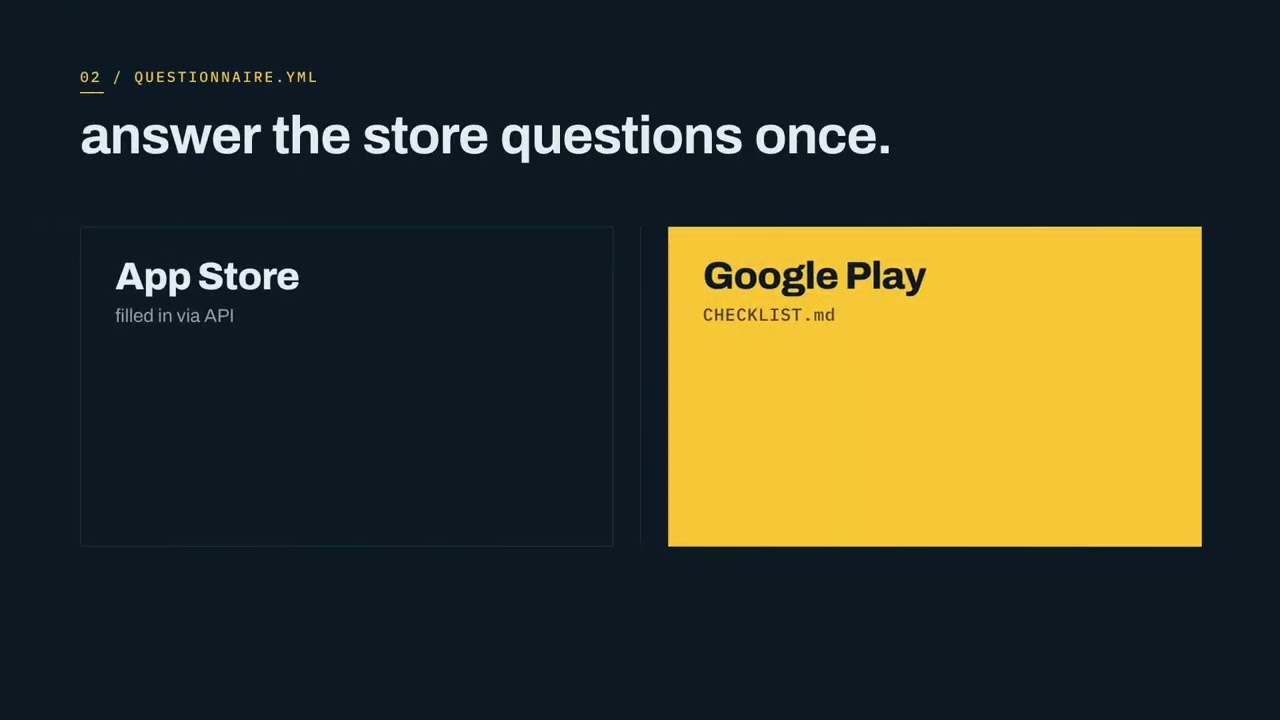
Age rating, export compliance, content rights, reviewer contact. Write the answers in questionnaire.yml; appship fills in what the APIs allow and puts the rest into CHECKLIST.md.

release/questionnaire.yml
ios:
  export_compliance:
    uses_non_exempt_encryption: false
  content_rights:
    uses_third_party_content: false
  age_rating:
    gamblingSimulated: NONE
    violenceCartoonOrFantasy: NONE
    messagingAndChat: false
    ageAssurance: false

doctor catches it before the stores do

Character limits, invalid URLs, leftover TODOs, wrong image sizes, stale artifacts, missing keys. Every problem comes with the fix.

appship doctor
▸ iOS · store listing
  ✗ ios/metadata/en-US/subtitle.txt is 34 characters (max 30)
  ! ios/screenshots/vi has no 6.9"/6.5" iPhone screenshot
▸ Android · store listing
  ✗ images/icon.png is 1024x1024, expected 512x512

  ✗ 2 error(s), 1 warning(s)

Your AI agent drafts the store content

Bundled skills for Claude Code, Codex and Antigravity write release notes in every language, make screenshots at the exact store sizes, and fill in the store questionnaires from your code. They only write files in release/; you review, then push. appship itself never calls an AI.

appship skills
▸ Claude Code: .claude/skills/
  ✓ app-content  installed
  ✓ release-notes  installed
  ✓ store-screenshots  installed
▸ Codex + Antigravity: .agents/skills/
  ✓ store-screenshots  installed
    Run: $store-screenshots (Codex)

skill · store-screenshots

Store screenshots in every language, at the exact sizes

The store-screenshots skill plans the shots with you, captures them from the iOS Simulator or an Android emulator, translates the headlines for each locale and renders every image at the size each store accepts: iPhone 1320×2868, iPad 2064×2752, Play 1080×1920, plus the feature graphic and the 512 px icon. Then it runs appship doctor to check them.

skill · app-content

Store questionnaires, answered from your code

The app-content skill reads your dependencies, Info.plist, AndroidManifest.xml and code, then answers age rating, App Privacy, export compliance, Data safety, content rating and ads in release/questionnaire.yml, with the evidence for each answer. It keeps the iOS and Android answers consistent and asks you only what the code cannot show.

release/questionnaire.yml
ios:
  age_rating:
    advertising: true      # google_mobile_ads
  privacy:
    collects_data: true
    data:
      - category: DEVICE_ID   # AdMob
        purposes: [THIRD_PARTY_ADVERTISING]
        used_for_tracking: true  # ATT prompt
      - category: CRASH_DATA  # Crashlytics
        purposes: [APP_FUNCTIONALITY]
android:
  contains_ads: true       # same as iOS
  data_safety:
    collects_data: true
    shares_data: true      # ad network

Keys stay out of git

Keys resolve from environment variables, then release/keys/ (gitignored), then a profile in ~/.appship stored with mode 600. Passwords are masked in --dry-run.

Works with any stack

appship runs your build command and picks up the .ipa and .aab. Flutter, React Native, Cocos Creator and native projects are detected on init.

Asks before it writes

Submitting, pushing to production and overwriting a live listing all ask for confirmation. In CI, pass --yes explicitly.

Ready for CI

Pass the .p8 key as plain text or base64 in APPSHIP_ASC_KEY. A ready-made GitHub Actions workflow is in the integration guide.

AI agent

Or let your AI agent set it up.

Paste this prompt into Claude Code, Codex, Antigravity or Cursor at your project root. The agent installs appship, fills in the listing with the bundled skills and runs doctor until it passes. It never touches your keys, and never writes to a store unless you say so.

prompt
Set up appship-ai in this project so I can release it to the App Store and Google Play.
appship is a CLI that wraps fastlane. Guide: https://appship.ketchsoft.com/docs.html

1. Check node (22+), fastlane and appship (`appship --version`). Tell me what is missing and ask before installing anything globally (`brew install fastlane`, `npm i -g appship-ai`).
2. Run `appship init --yes --agents <you>` at the project root, where <you> is claude, codex or antigravity (the agent you are; use claude if none fits). Compare release/release.yml with the project (build_command, artifact paths, bundle id, package name), fix what is wrong and tell me what you changed.
3. Store keys: tell me what I need (App Store Connect API key, Google Play service account JSON) and how to create them, following "Get store keys" in the guide. I will run `appship credentials add <profile>` in my own terminal. Then set credentials.profile in release.yml.
4. Fill the store content with the skills that init installed: app-content for release/questionnaire.yml, the listing text in release/*/metadata, then store-screenshots. If the skills are not loaded in this session, read their SKILL.md files in .claude/skills/ or .agents/skills/ and follow them. If the app is already live, ask me whether to run `appship metadata pull` first. Ask me for anything the code cannot tell you; leave contacts, demo accounts and passwords as TODO until I give them.
5. Run `appship doctor` and fix until there is no ✗. List the remaining warnings (!).
6. Finish with a short summary: what is done, what I still have to do by hand, and the next command to run.

Rules:
- Never run a command that writes to a store (upload, metadata push, submit, promote, first-release, signing import, header) unless I ask. Then run it with --dry-run first and wait for my OK. Add --yes only after I approved the dry run in this chat.
- Never open, print, copy or commit key files (*.p8, *.p12, *.jks, *.keystore, service account JSON) or anything in release/keys/.
- Do not commit or push.
- Reply in the language I write in.

More prompts: CI, every release, signing →

Blog

From the blog

All posts →

Ready to ship?

appship is distributed on npm. You need Node.js 22+, fastlane, and macOS for iOS builds (Android also works on Linux).

$ npm i -g appship-ai
Integration guide →

appship is free and MIT-licensed. If it saves you a release day, you can buy the maintainer a coffee.

Buy me a coffee

v0.3.0 is covered by tests and dry-runs but has not been run against the live stores yet. Start with --dry-run and read-only commands such as appship status.